A Complete Guide to JavaScript Callbacks
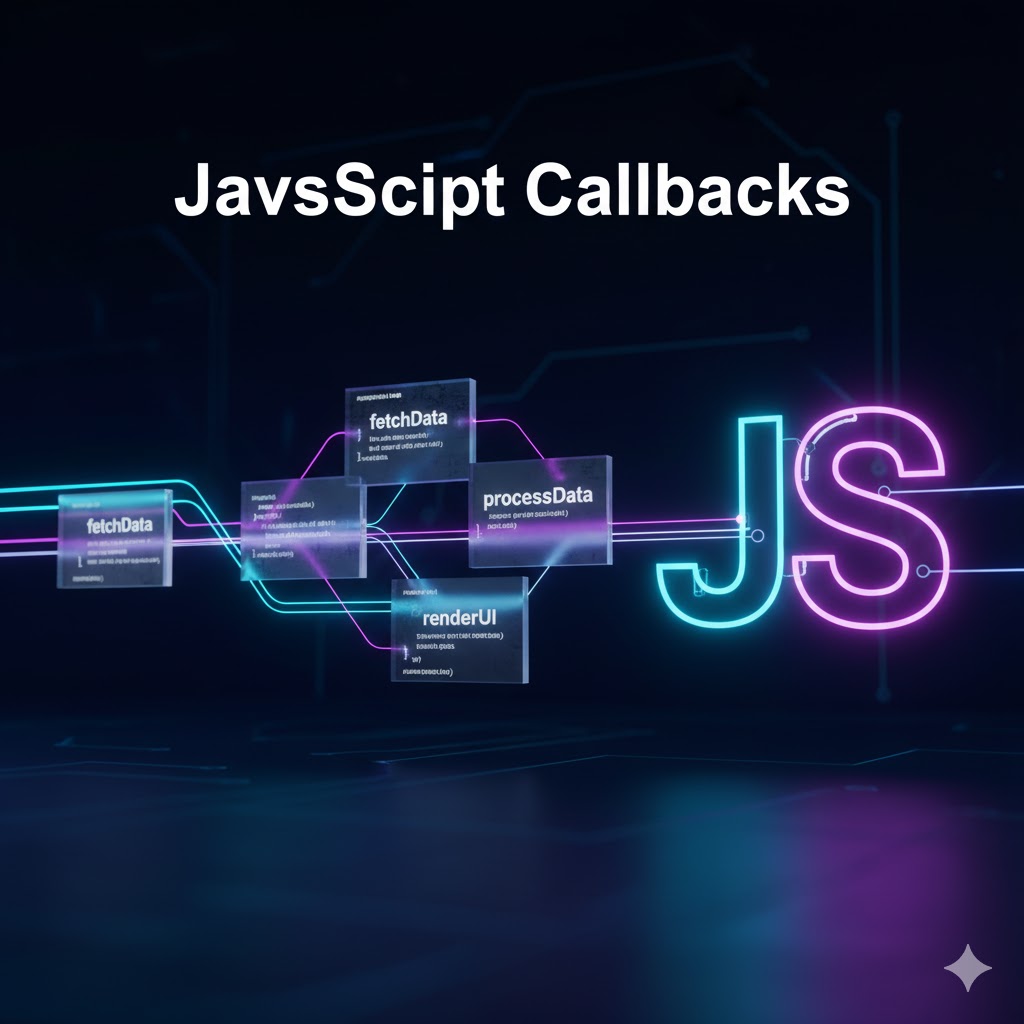
Introductions:
In JavaScript, callbacks are an essential concept that enables asynchronous programming. A callback is simply a function passed as an argument to another function, which will be executed later—either after the completion of an operation or in response to an event.
In this blog, we’ll dive into what callbacks are, why they’re important, and how they’re used in JavaScript with practical examples.
What is a Callback?
A callback function is a function that is passed to another function as an argument and is invoked inside that function to complete some kind of action. It’s called a "callback" because it’s called back at a certain point in the function that received it.
function greeting(name) {
  console.log(`Hello, ${name}!`);
}

function processUserInput(callback) {
  const name = prompt("Please enter your name.");
  callback(name);
}

processUserInput(greeting);
In this example:
greeting is a callback function that takes a name parameter.
processUserInput receives the greeting function as an argument and calls it after the name is input.
Why Use Callbacks?
JavaScript is a single-threaded language, meaning only one thing can happen at a time. Callbacks allow you to handle tasks that might take some time to complete, such as reading a file or making an API request, without stopping the rest of your program.
For instance, using callbacks in asynchronous operations lets you handle time-consuming operations, like file reading or network requests, without blocking the execution of other code.
Synchronous vs. Asynchronous Callbacks
Callbacks can be either synchronous or asynchronous depending on when they are executed.
Synchronous Callback
A synchronous callback is executed immediately in the function that receives it.
function multiplyByTwo(number, callback) {
  let result = number * 2;
  callback(result);
}

function displayResult(result) {
  console.log(`Result is: ${result}`);
}

multiplyByTwo(5, displayResult);
In this example, displayResult is called immediately after multiplyByTwo calculates the result.
Asynchronous Callback
An asynchronous callback is executed at a later time, such as when a request completes, a file is read, or a timer finishes.
function fetchData(callback) {
  console.log('Fetching data...');
  setTimeout(() => {
    console.log('Data fetched!');
    callback('Data received');
  }, 2000);
}

function processData(data) {
  console.log(`Processing: ${data}`);
}

fetchData(processData);
Here, fetchData simulates an asynchronous operation (e.g., a network request), and processData is called only after the data fetching is complete.
Common Use Cases of Callbacks
Event Handling
JavaScript event handling is a common scenario where callbacks are used. When a button is clicked, you can pass a callback function that defines what should happen after the event.
const button = document.getElementById('myButton');
button.addEventListener('click', function() {
  console.log('Button was clicked!');
});
Array Methods
Many array methods, such as map(), filter(), and forEach(), use callbacks.
const numbers = [1, 2, 3, 4, 5];
const doubled = numbers.map(function(num) {
  return num * 2;
});

console.log(doubled); // [2, 4, 6, 8, 10]
API Requests (e.g., using fetch)
When making API requests, callbacks are commonly used to handle the response after the request completes.
function getData(callback) {
  fetch('https://jsonplaceholder.typicode.com/posts/1')
    .then(response => response.json())
    .then(data => callback(data))
    .catch(error => console.log('Error:', error));
}

getData(function(data) {
  console.log('Post:', data);
});
In this case, getData makes a fetch request, and once the data is returned, the callback processes and logs the result.
Callback Hell
One issue with callbacks is that they can lead to callback hell, especially when there are many nested asynchronous operations. This leads to deeply nested code that is hard to maintain.
getData(function(data1) {
  console.log('First request:', data1);
  getData(function(data2) {
    console.log('Second request:', data2);
    getData(function(data3) {
      console.log('Third request:', data3);
    });
  });
});
Solutions: Promises and Async/Await
To solve callback hell, JavaScript introduced Promises and async/await, which offer a more readable and cleaner way of handling asynchronous operations.
Conclusion
Callbacks are a fundamental part of JavaScript, especially when working with asynchronous code. While they are incredibly useful, they can also lead to deeply nested and hard-to-read code, which can be alleviated with modern alternatives like Promises and async/await.
Understanding how callbacks work will help you write more efficient and responsive JavaScript applications. Keep practicing, and soon you'll master the art of writing cleaner, more maintainable code!