How I Built NexPress: A Blazing Fast, Multi-Threaded CLI for Image Compression
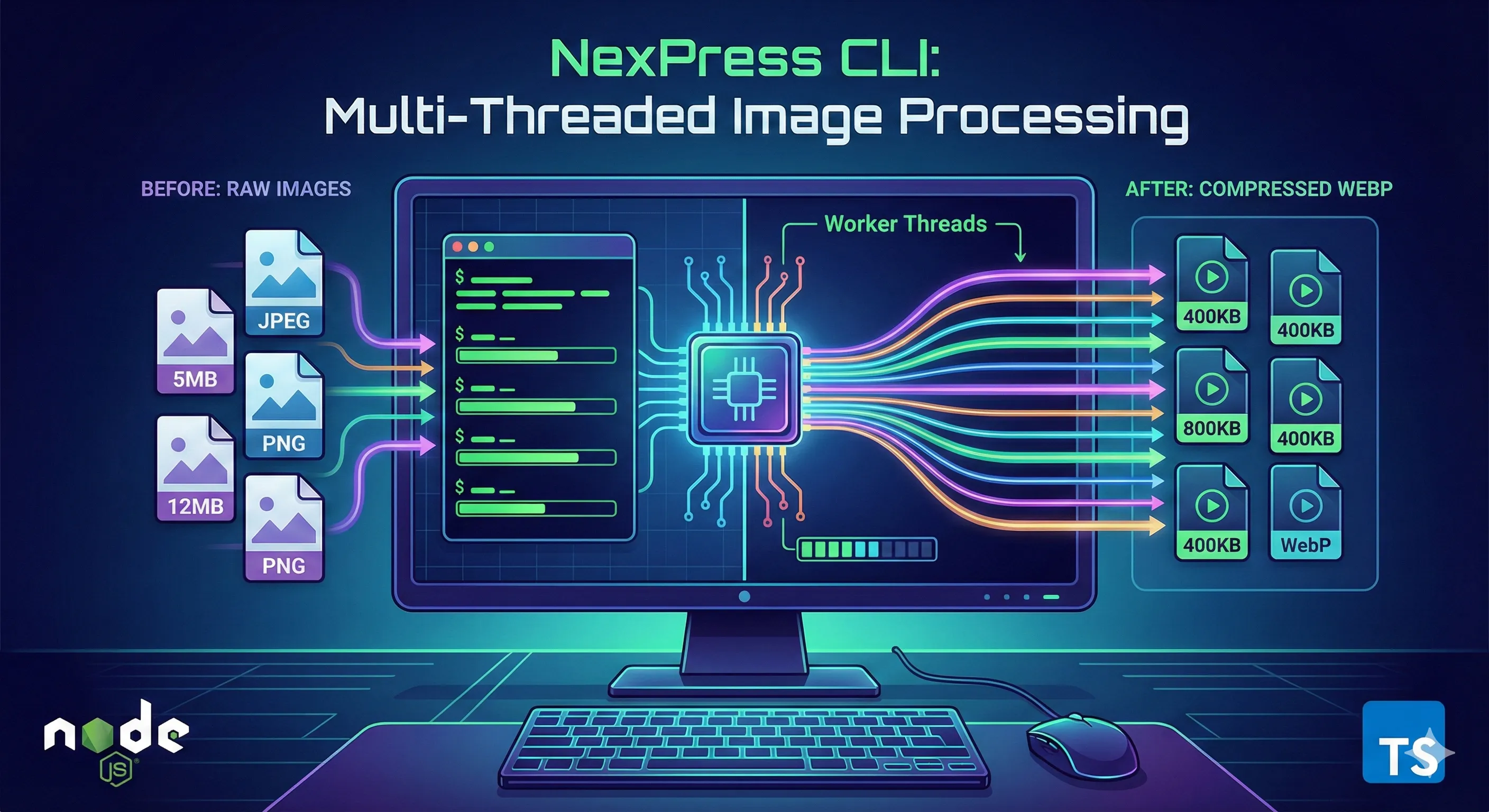
Building NexPress: A Multi-Threaded CLI for Blazing Fast Image Compression
As developers, we often deal with unoptimized assets. Whether it's a folder full of high-res photography or raw assets for a frontend project, manually converting images to WebP is a chore. I wanted a tool that was fast, scriptable, and utilized the full power of my machine's CPU.
That’s why I built NexPress—a high-performance CLI tool that uses Node.js Worker Threads to batch compress images in parallel.
The Problem with Standard Scripts
A typical Node.js script runs on a single thread. If you loop through 100 images and compress them one by one, your powerful 8-core CPU sits mostly idle, waiting for each operation to finish before starting the next.
I wanted something that behaved more like this:
Scan a directory for images.
Spawn a worker pool (one worker per CPU core).
Distribute the jobs evenly.
Crunch the data in parallel.
The Solution: @codernex/nexpress
NexPress is the result of that experiment. It’s a CLI tool written in TypeScript that automates the conversion of JPG and PNG files into highly optimized WebP format.
Key Features
Multi-threaded: Automatically scales to use all available CPU cores.
Format Conversion: Converts legacy formats (.jpg, .png) to modern .webp.
Smart Paths: Works with absolute paths or paths relative to your home directory.
Space Tracking: Tells you exactly how many Megabytes you saved per run.
Under the Hood
The architecture follows a Main Thread → Worker Pool model.
The Main Thread handles argument parsing (using standard process.argv) and file scanning. It then initializes a pool of workers using the native node:worker_threads module.
The Worker Threads use the Sharp library, which is backed by libvips (a C++ library), to handle the heavy lifting of image manipulation. Because we are using workers, the event loop on the main thread never gets blocked, and we process images as fast as the hardware allows.
Here is a snippet of how the worker logic handles the compression:
// Inside the worker thread
const result = await sharp(input)
  .webp({
    quality: qualityArg,
    effort: 4 // Balancing speed and compression size
  })
  .toFile(outputFilePath);

// Notify main thread of success & space saved
parentPort?.postMessage({
  status: "completed",
  data: { savedMB: `${savedMB} MB` },
});
How to Use It
I've published the package to npm so anyone can use it. You don't even need to install it permanently—just run it with npx.
One-off usage:
npx @codernex/nexpress --input=Desktop/raw-photos --output=Desktop/web-ready
Global installation:
npm install -g @codernex/nexpress
nexpress --help
What's Next?
I plan to add support for resizing (width/height flags) and perhaps watching directories for new files to compress them on the fly.
If you are interested in the code or want to contribute, check out the repository on GitHub!
[https://github.com/codernex/nexpress](Github)
Thanks for reading! If you found this useful, give the repo a star or try it out on your next project.